When creating content in Google Docs, many people struggle with turning that content into clean and usable HTML for their websites. Copying and pasting directly from Google Docs often results in messy markup, unnecessary inline styles, and broken structure.
To solve this problem, Sheetany has launched a brand new free tool: Google Docs to HTML Converter.
You can try it instantly here: https://sheetany.com/google-docs-to-html
What Is Google Docs to HTML Converter?
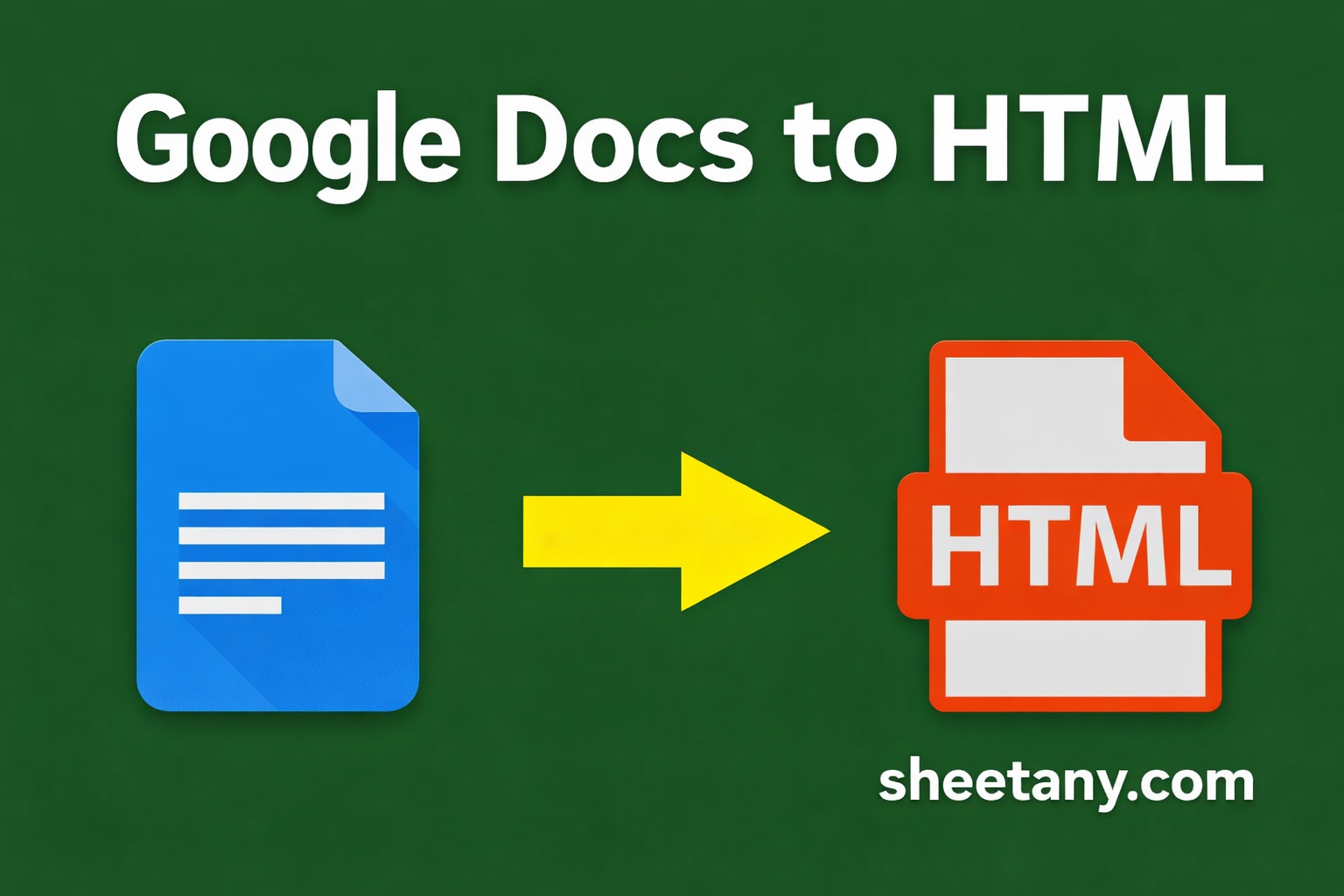
Google Docs to HTML Converter is a free online tool that helps you convert a public Google Docs file into clean, well structured HTML. It works directly in the browser and requires no login, no installation, and no technical setup.
The workflow is simple:
- Make your Google Doc public by setting it to Anyone with the link.
- Paste the Google Docs URL into the converter.
- Click Convert to HTML and get ready to use HTML output.
The generated HTML is easy to read, easy to edit, and ready to paste into your website or CMS.
Why This Tool Is Useful
Save time and reduce manual work
Instead of copying content from Google Docs and cleaning up HTML by hand, you can convert everything in seconds. This helps content teams and developers focus more on publishing and less on formatting.
Clean and semantic HTML output
The tool removes unnecessary tags and inline styles that Google Docs usually adds. The result is clean and semantic HTML that is easier to maintain and better for SEO and page performance.
Fits into any publishing workflow
The output HTML can be used with WordPress, Webflow, Ghost, static site generators, or any custom website that accepts HTML. It also works perfectly with the Sheetany ecosystem if you are already building websites from Google Sheets or Docs.
Who Is This Tool For?
Google Docs to HTML Converter is useful for many different roles:
Content creators who write articles and landing pages in Google Docs
SEO specialists who want cleaner HTML and faster pages
Developers and no code builders who need structured content quickly
Remote teams who collaborate in Google Docs and share HTML with designers or developers
How to Use Google Docs to HTML Converter
- Open your Google Docs file.
- Click Share and set access to Anyone with the link.
- Copy the document URL.
- Go to https://sheetany.com/google-docs-to-html.
- Paste the URL and click Convert to HTML.
- Copy the generated HTML and use it anywhere you like.
Conclusion
With Google Docs to HTML Converter, Sheetany continues to expand its collection of practical free tools for creators, marketers, and developers. This tool removes friction from the content publishing process and helps you turn Google Docs into clean, usable HTML in just a few clicks.
If you regularly write in Google Docs and publish on the web, this tool can save you a significant amount of time.
Try it now for free at https://sheetany.com/google-docs-to-html.